
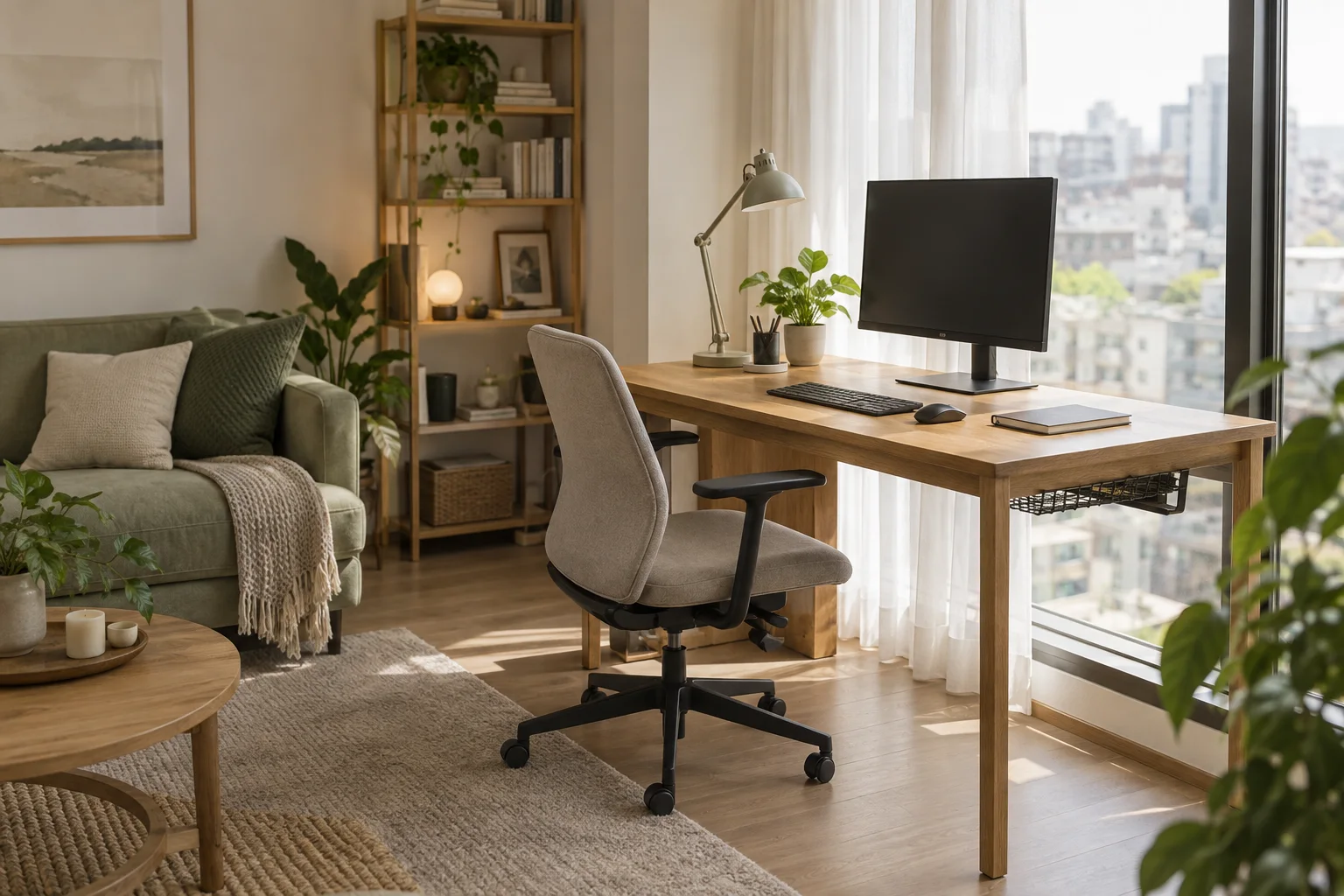
A workspace you can use every day does not have to start with a big desk or separate room. Start with the space you already have and see how easily you can sit and work, open drawers, walk past, and put your equipment away at the end of the day. The aim is to support your work while leaving room to relax.
Start without buying anything: Choose two possible spots and try sitting at a table or chair you already have during your actual working hours. Note the light, noise, connection, and anything you have to move around before picking a permanent spot.
1. Choose a spot based on the work you do most often
List the equipment you use at the same time, such as a laptop, monitor, keyboard, notebook, or documents. If you often join online meetings, turn on your camera and check the background and direction of the light. If you work alongside someone else in the same room, test whether your meetings disturb each other.
Put the items you actually use on a surface before deciding on desk size. Leave room to move a mouse, open a notebook, and rest your arms comfortably. Separate daily essentials from things you use only occasionally, so the desk does not need to be bigger simply because it has become storage for everything.
2. Check light on your screen at your real working hours
Sit in each potential spot and look at your screen with the curtains both open and closed. Check whether windows or lamps cause reflections where you need to read. Do not choose a location just because the room looks attractive in a morning photo: if you mainly work in the afternoon, test it then.
OSHA guidance suggests placing the monitor at a right angle to windows or other light sources and adjusting curtains or lights to reduce glare. Read Computer Workstations: Workstation Environment for details. Use it as a starting point, then adapt to your room's windows and lighting.
3. Measure usable space, including your chair and walkways
Measure the desk's footprint, how far back the chair needs to move, and the space to open nearby cupboards. Pull the chair back as if standing up, then check whether you can still get to the door, balcony, or bathroom easily. Before buying furniture, you can mark out the proposed area with paper or tape that will not damage the floor.
Leave space under the desk for your legs and movement rather than piling up boxes or equipment that restrict your posture. OSHA's desk guidance discusses under-desk space and equipment positioning. When testing your setup, adjust the chair and equipment to your body and work instead of relying only on the measurements of a show room.
4. Test your internet and organize cables
Try a video call or file transfer from the spot where you plan to work, especially if it is far from the router or behind a wall. If the connection is inconsistent, check with your provider and building staff which router moves or cable routes are feasible before buying extra equipment.
Keep charging and signal cables close to the desk edge rather than across places where a chair may roll over them or people may walk. Choose removable cable channels or organizers. In a rental, ask about the rules before drilling into a wall, installing shelves, or changing electrical work.
5. Give every work item a place to go at the end of the day
If you use the same table for work and meals, reserve a box or drawer just for work equipment. At the end of the day, you can put your keyboard, notebook, and charging cables away in one go and use the surface for something else.
If you have a dedicated desk, move unnecessary items out of sight and stand documents upright in easy-to-reach storage. Positioning furniture or belongings you already own may separate the space well enough without adding a screen that blocks the walkway.
6. Try it for a week before buying what is still missing
Note recurring problems such as afternoon glare, a chair hitting a cupboard, supplies out of reach, or meetings disturbing someone else. Try changing the layout and organizing your belongings first, then consider equipment that directly solves those problems. Your shopping list will be grounded in actual use.
Remember to leave space to get up, change position, and step away from your workspace easily. A good layout should also let you enjoy the rest of your life when you close your computer.
Checklist before choosing a desk
- It holds all the equipment you use together, with room to move a mouse and open a notebook.
- You have tested the light during work hours and can adjust curtains or lamps.
- You can move your legs, pull back your chair, and open nearby cupboards easily.
- The internet connection from this spot supports the kind of work you do.
- You can organize cables and put equipment away after work.
- There is still space to walk around and relax as you normally do.
Looking for a home that supports working from home? Browse house and condo listings and use this checklist while reviewing layouts and arranging visits. Remember to check the light, noise, and actual usable space at the viewing before choosing furniture.