
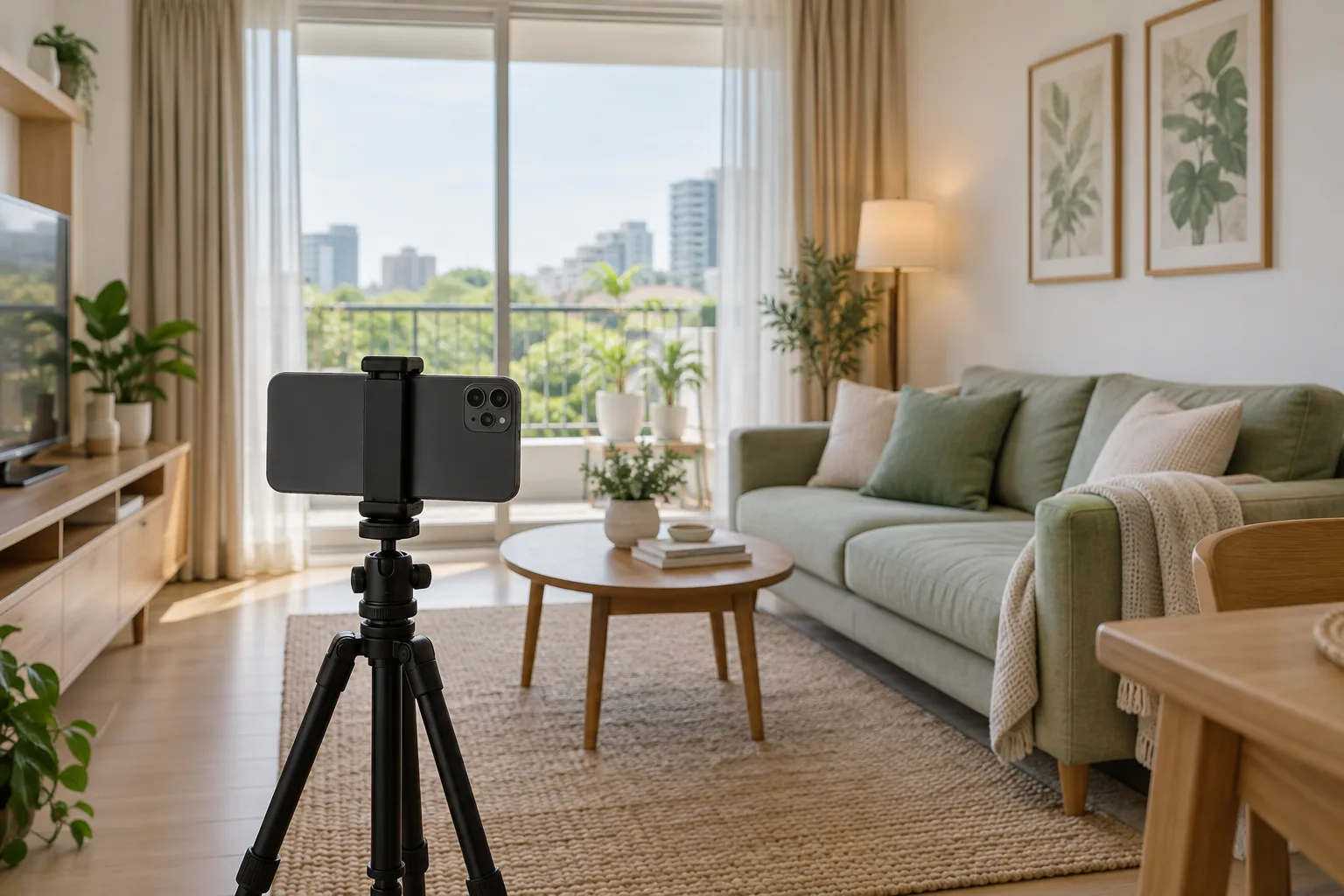
Good listing photos help viewers understand how rooms connect and what is ready to use. Aim to show the space honestly. Tidy up and plan the shots you need before picking up a camera, so you do not end up with several photos from the same angle but none of an important room.
Prepare the room without hiding the facts
Clear walkways, put away obstructions, and clean as you normally would. If someone lives there, agree on a time to photograph and get permission before moving their belongings. Note any decorative items that will not be included at handover so you can say so clearly in the listing. Do not stage the home in a way that suggests equipment is included when it is not.
Arrange photos like an in-person walkthrough
- An overview of the main space that shows the layout
- A reverse angle that clarifies the entrance and adjoining areas
- The bedroom, kitchen, bathroom, and other usable spaces
- Storage, balcony, or details that affect daily life
- Shared facilities and entrances, clearly distinguished from the private unit
Use light and camera angles to reveal detail
Choose a time with suitable light indoors and open curtains enough to show both the room and what is outside. Keep wall lines and door frames straight and use a fairly consistent camera height. If the photo is dark or the window is washed out, try another position or time before heavily editing the image.
An extremely wide-angle lens can distort the proportions compared with seeing the home in person. Choose an angle that shows the space without stretching it, and add another photo instead of trying to squeeze everything into one frame.
Choose a cover photo that represents the unit
Use a clear image showing a real strength of the listed home. Do not use a shared-facility photo in place of a unit photo if it could mislead viewers. Clearly label renderings or interior design concepts and separate them from photos of the actual condition. Check that a mobile crop still shows the key detail and has not accidentally included personal information.
Do one final check before publishing
- Photos belong to this listing and still reflect its present condition
- People or others' belongings have not been photographed without agreement
- Documents, letters, device screens, and reflections do not reveal private information
- The photo sequence explains the layout, without unnecessary duplicates
- Captions distinguish private areas, shared facilities, and items not included
Read the photo privacy checklist, then use your chosen pictures alongside the complete listing-writing guide so the text and images support each other.