
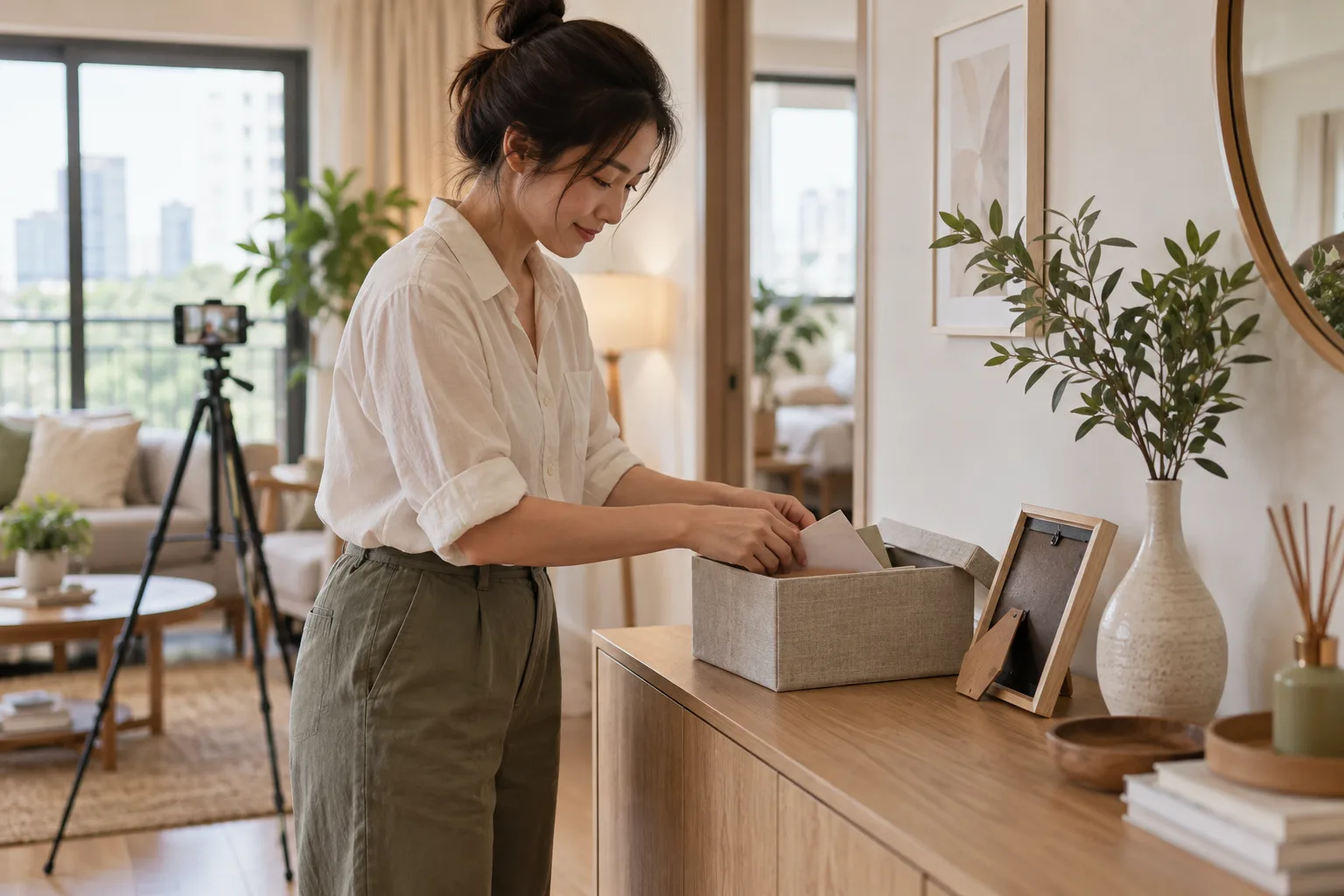
A photo intended to show the living room might include mail on a table, while a mirror shot might reflect a screen that is switched on. These details do not help explain the home, but can disclose more information than necessary. Before publishing photos, take a short extra pass to check what surrounds the main subject.
Remove personal information from the scene before shooting
Start with places where everyday items collect, such as desks, kitchen counters, and mail areas. Put documents showing names, addresses, phone numbers, or account details somewhere private. Turn off unnecessary screens and ask residents before moving their personal belongings out of the shot.
Family photos, calendars showing daily schedules, and children's work may contain names or details that become readable when enlarged. Arrange the room to show its walls and dimensions without including those items in the same photo.
Check reflections separately from the main image
Look at mirrors, glass doors, TV screens, and reflective surfaces: they may show people or spaces behind the photographer that you did not intend to reveal. Try changing the camera angle or moving reflected items before editing the image. If a person appears in a shot, choose another image or seek consent that covers how the photo will actually be used.
Keep viewing details out of public photos
Check whether a photo shows a building access code, a note with a code on it, a personal QR code, or key details. Information needed only for a viewing should be shared through an agreed channel with visitors under the building's procedures, not included in a listing album anyone can open.
- Envelopes, parcels, and receipts on tables or shelves
- Usernames, messages, and document images on screens
- Family photos, name tags, and activity schedules
- People or information visible in reflections
- Keys, access cards, and codes left near the door
Check the actual file before publishing
Open every full-size image and zoom in on areas with writing rather than checking thumbnails alone. If you crop or obscure information, check the exported result again. Give files general names that do not contain personal information unnecessary for the listing.
If the photo-sharing tool offers settings for attaching location or shooting information, check those against your device's instructions too. Do not assume every destination website will handle that information in the same way.
Keep the property itself represented accurately
Protecting personal information should not alter the appearance of the space or hide conditions prospective viewers should know about. Taking a new photo after removing documents from the scene helps protect privacy while keeping the listing honest. If you use photos supplied by a resident or another photographer, agree on the right to use them first.
Once the photos pass your checks, read more about ordering listing photos to explain the home and preparing the space for viewing day