
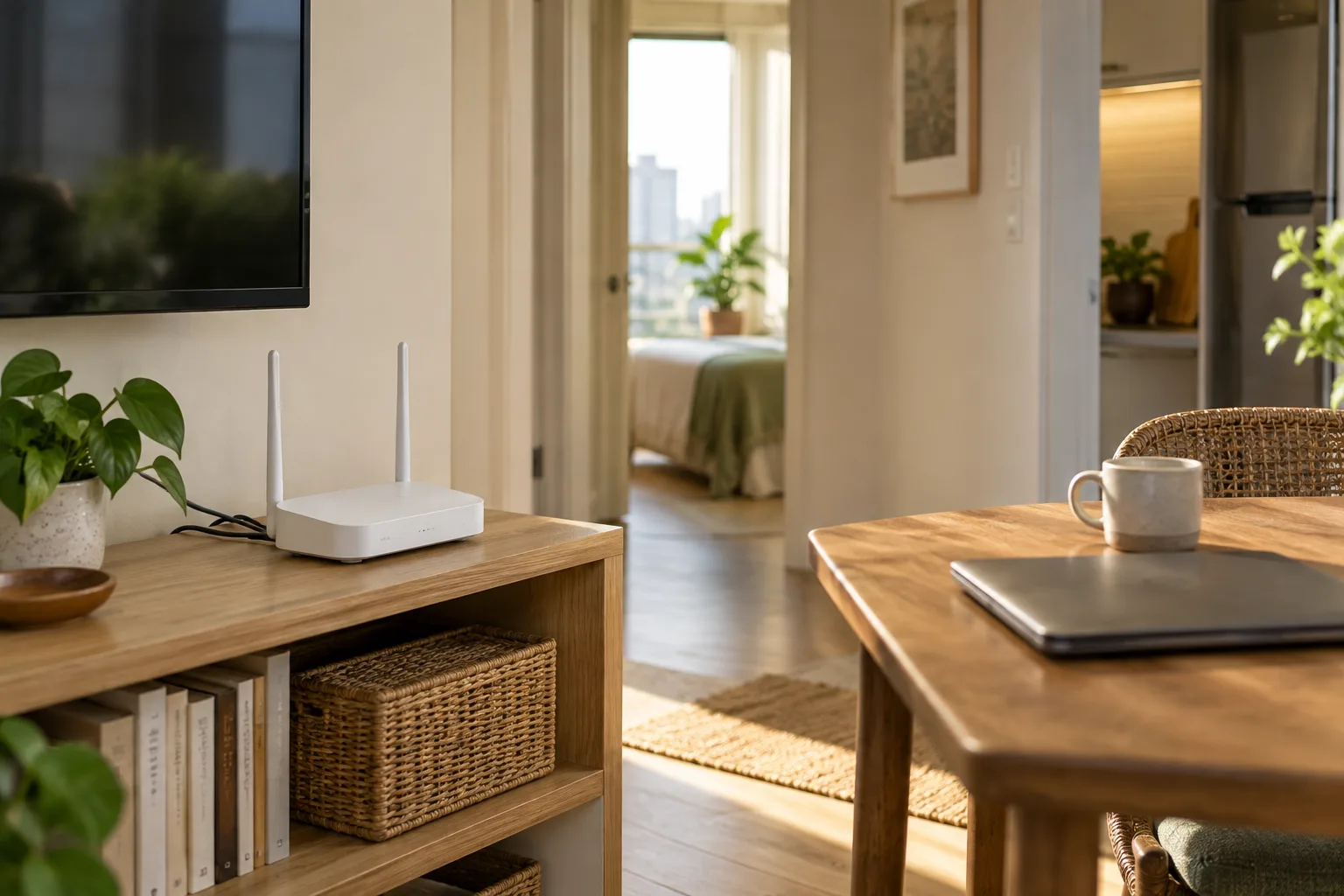
Knowing a building has internet service does not mean your unit will be online on move-in day. Before scheduling work or online classes, check the available providers, installation requirements, and the places where you will use the connection. Separate what is confirmed from what still depends on an appointment.
Define what you actually need the connection for
Note how many people and devices will be online at once, and your main activities, such as video calls, sending files, or streaming media. You do not have to start with the most expensive package. Instead, describe how you use the connection to a provider, ask which service fits, and check any limitations.
Get answers from all three parties
- Building management: Which providers can reach the unit? Must the technician register, and when can they enter?
- Internet provider: When can they inspect the installation point? Which documents are needed? What are the setup charges and service-term conditions?
- Unit owner: Where may cables be run or equipment relocated, and what must be restored when you move out?
Once booked, request an appointment number or written confirmation. Do not treat a verbal assurance that installation is possible as a confirmed date when service will be ready.
Test where you will sit, not only beside the router
Once the service is available to test, try a call or another regular activity at your work spot and in the bedroom, including while others are online if possible. Note the location, device, and test time. One test can help you judge performance under those conditions, but cannot guarantee it at every hour.
If you notice a problem, share your notes with the provider or technician rather than buying more equipment before you know where the bottleneck is.
Position equipment and cables thoughtfully
Ask the technician about a position you can reach for maintenance and cable routes the building permits. Keep cables away from walkways and places where a chair moves. If drilling or electrical changes are required, get approval from those concerned and have the responsible professionals carry out the work. Do not alter building systems yourself just to meet an appointment.
Plan for the time before installation is complete
Choose a temporary option you have already checked, such as a mobile connection with a usable signal or a workspace you can access. Check data limits, costs, and whether it suits your work before relying on it. Do not wait for an important meeting to try it for the first time.
Move-in date … / Confirmed installation date … / Contact person … / Usage location … / Activity tested … / Backup option …
Add the installation appointment to your moving schedule, and set up your workspace after learning which spot actually works.